A cabin made of one room, and a website made of the same room.
A modular house
is bought before
it exists.
So the site lets people see it, change it and plan around it on their own, before anyone talks to sales.
It keeps the visitor’s own time.
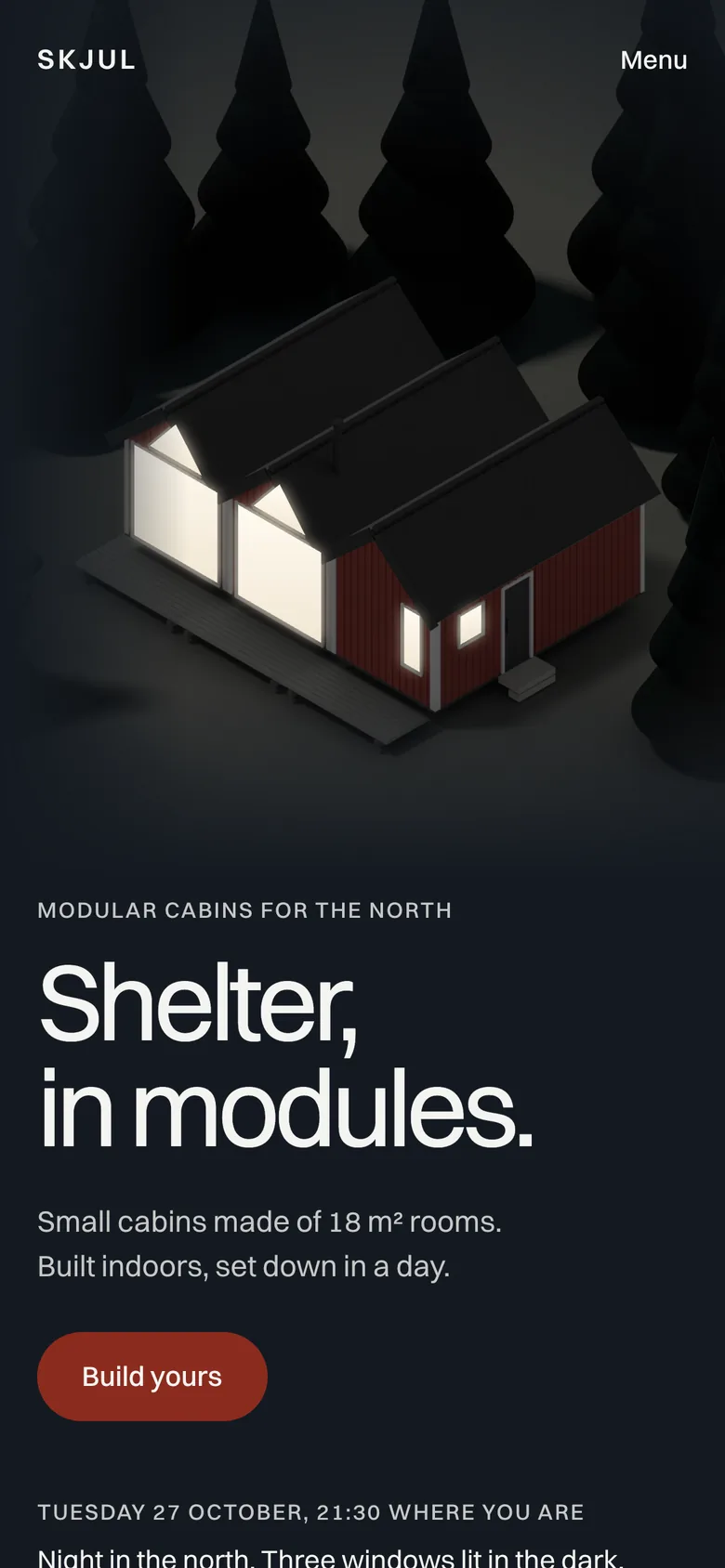
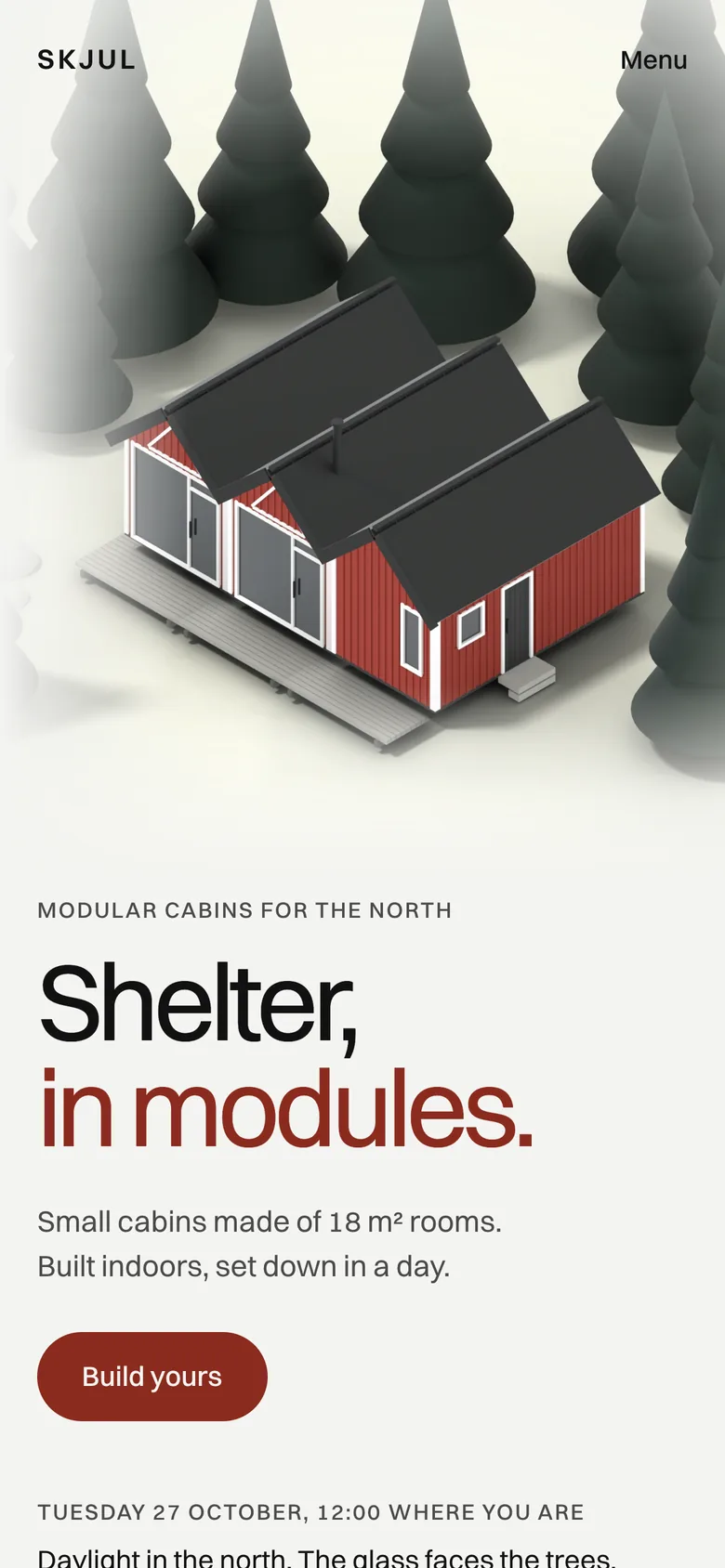
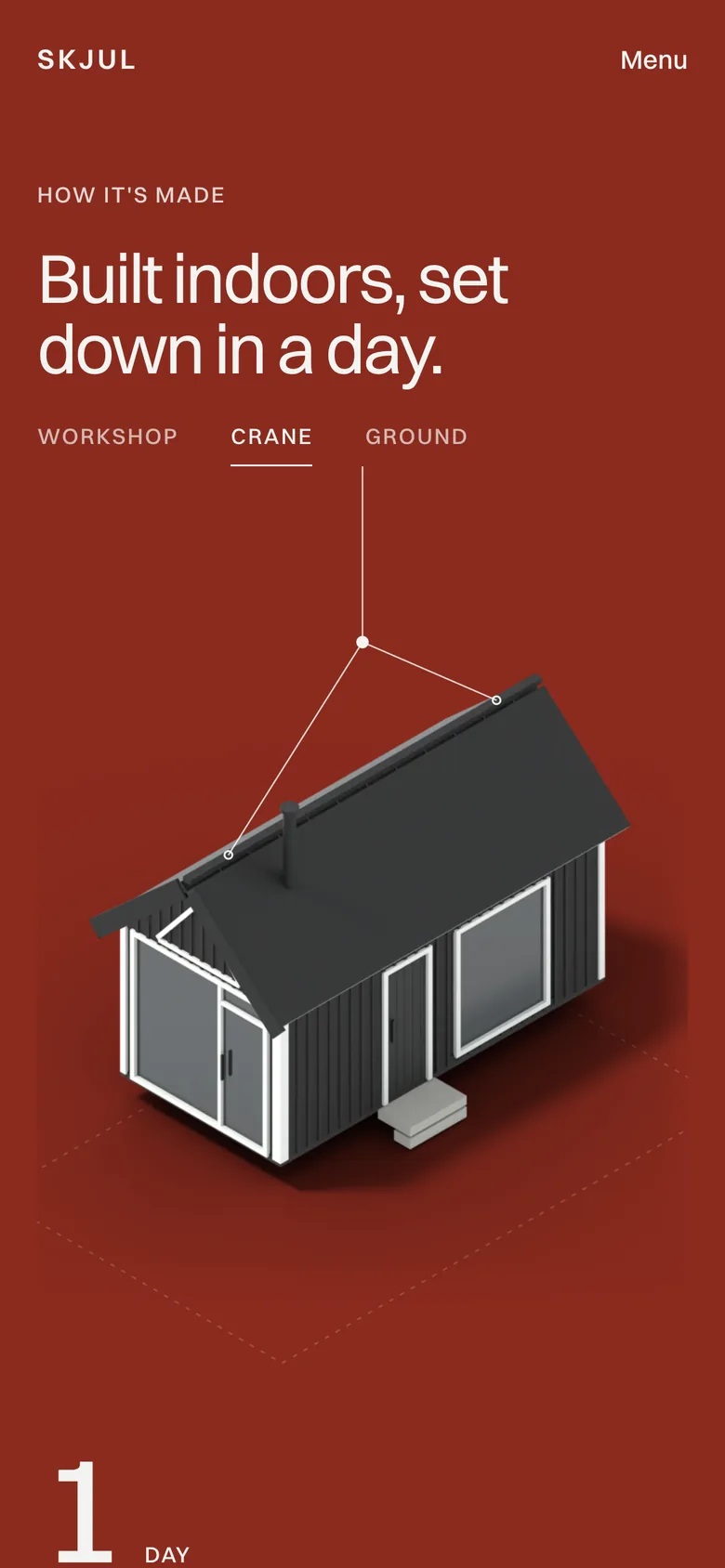
The cabin stands in the daylight of about 60° north, at the hour and in the season of whoever opens the site. Drag the hour and the sun goes down, the windows light and smoke rises from the stove.
What will it cost, everything included?
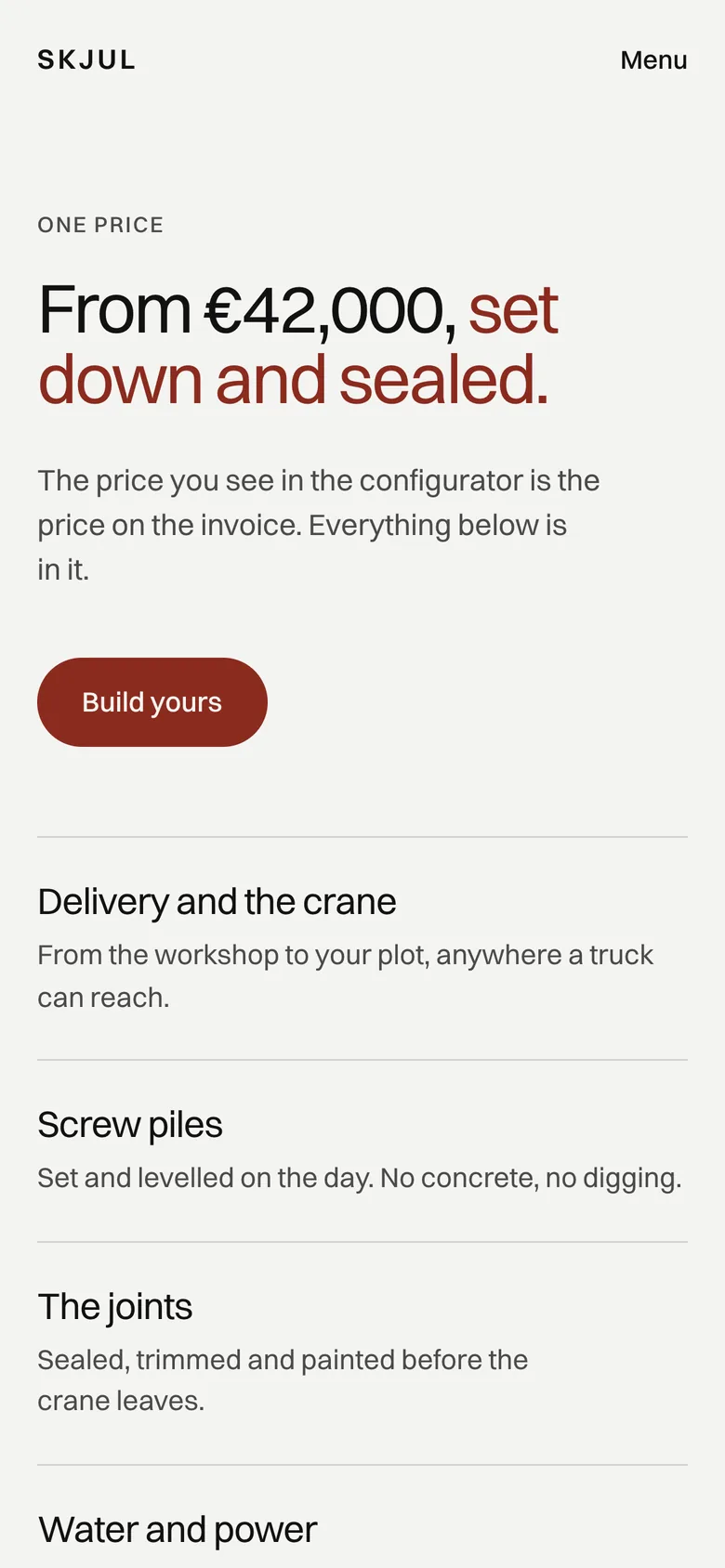
The total is on screen from the first second and opens into every line. Delivery, the crane and the piles are already in it.
Will it fit, and how big is it really?
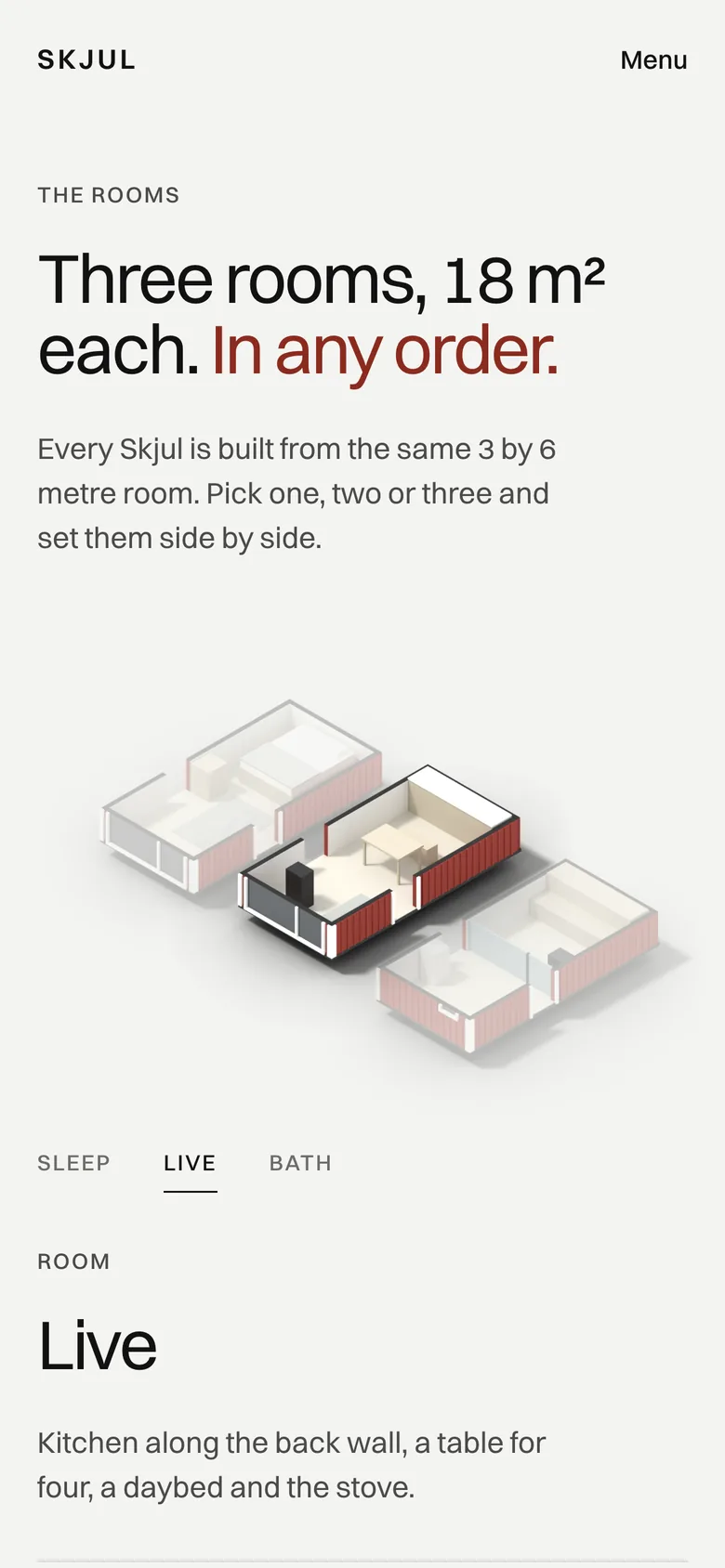
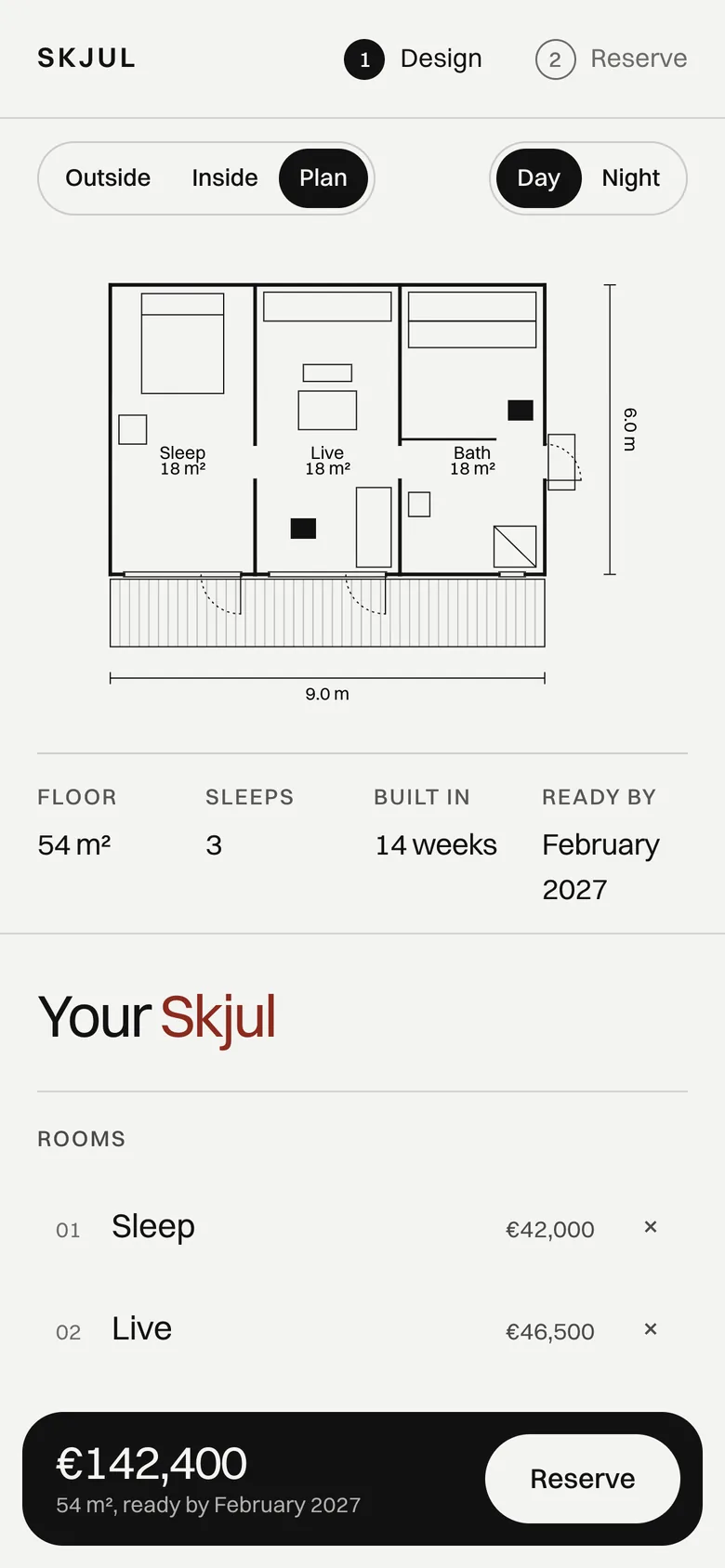
The plan draws the house to scale in metres, and the facts under the drawing keep floor area and beds in sight.
When can it stand on my land?
Every change moves the month it can be ready, and reserving means picking a month that still has a free slot.
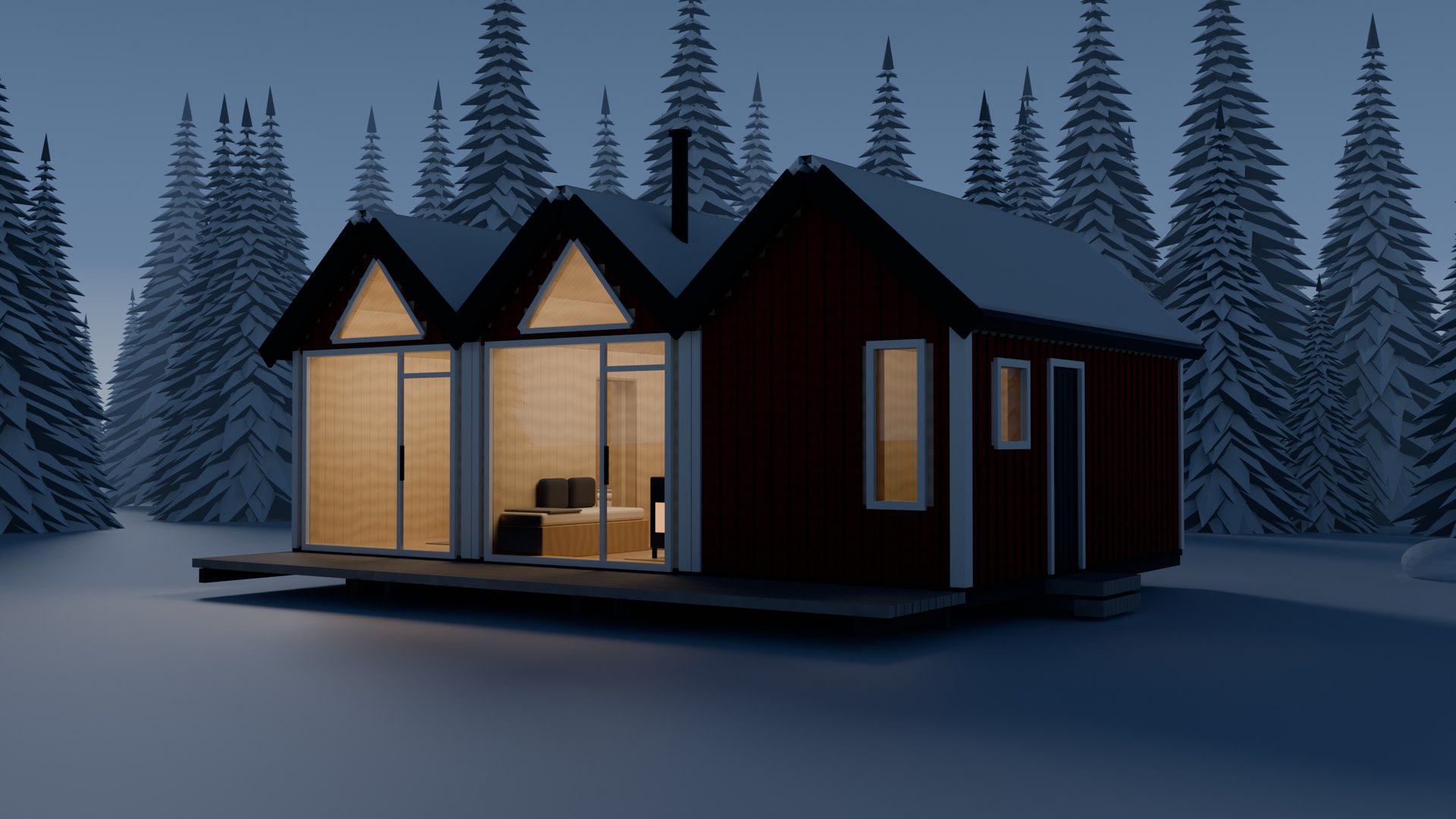
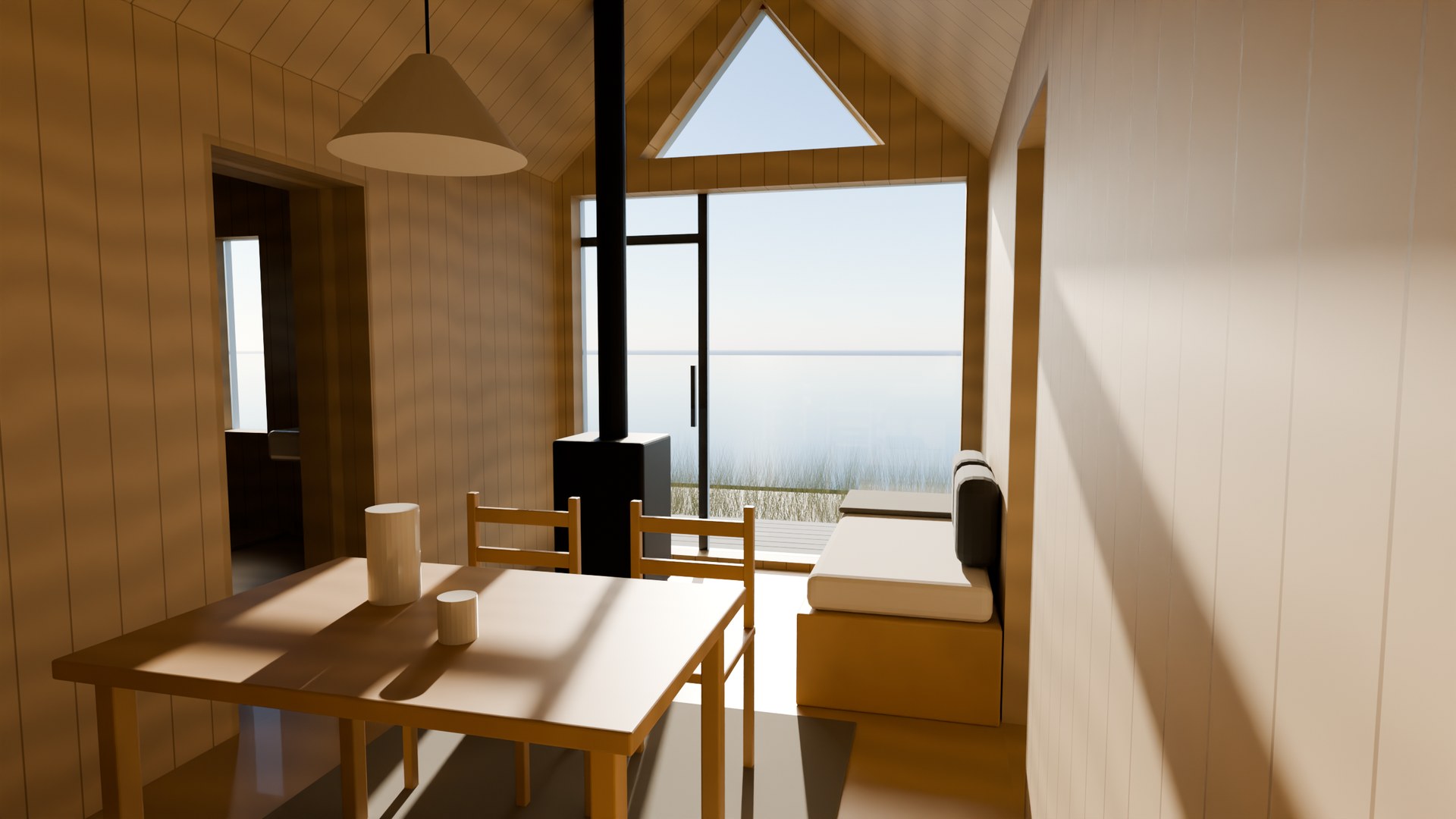
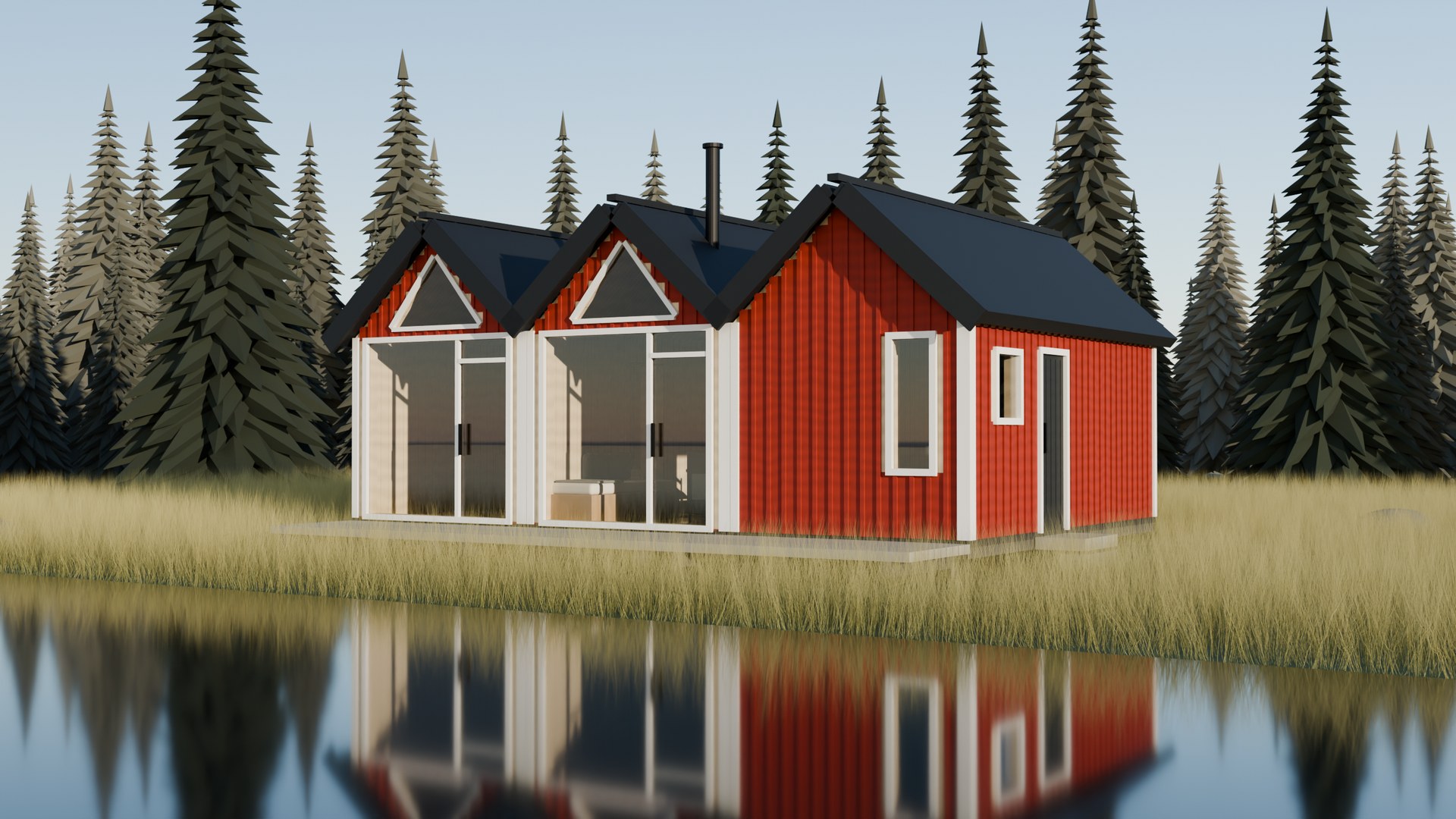
Four screens from choice to reservation.
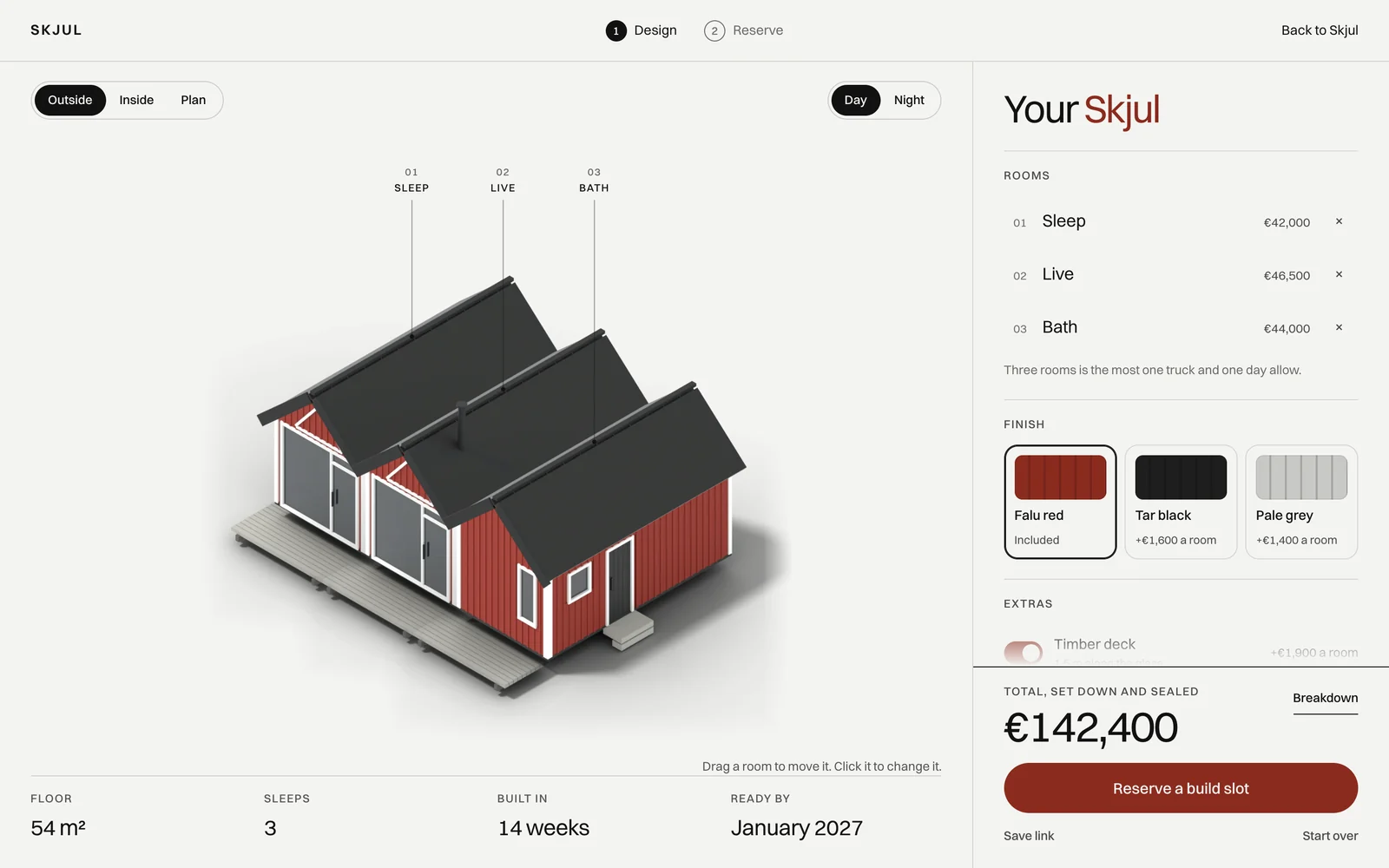
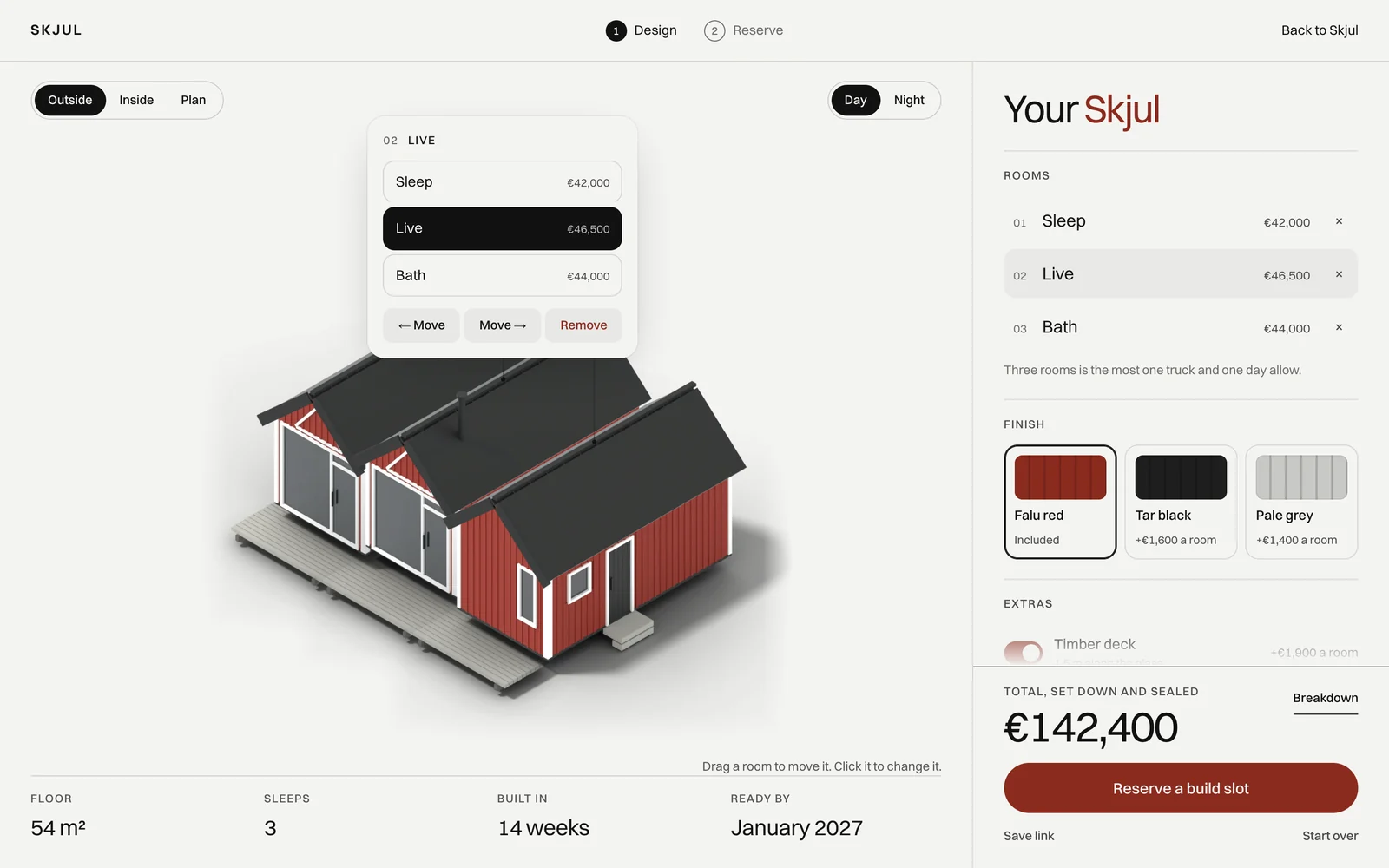
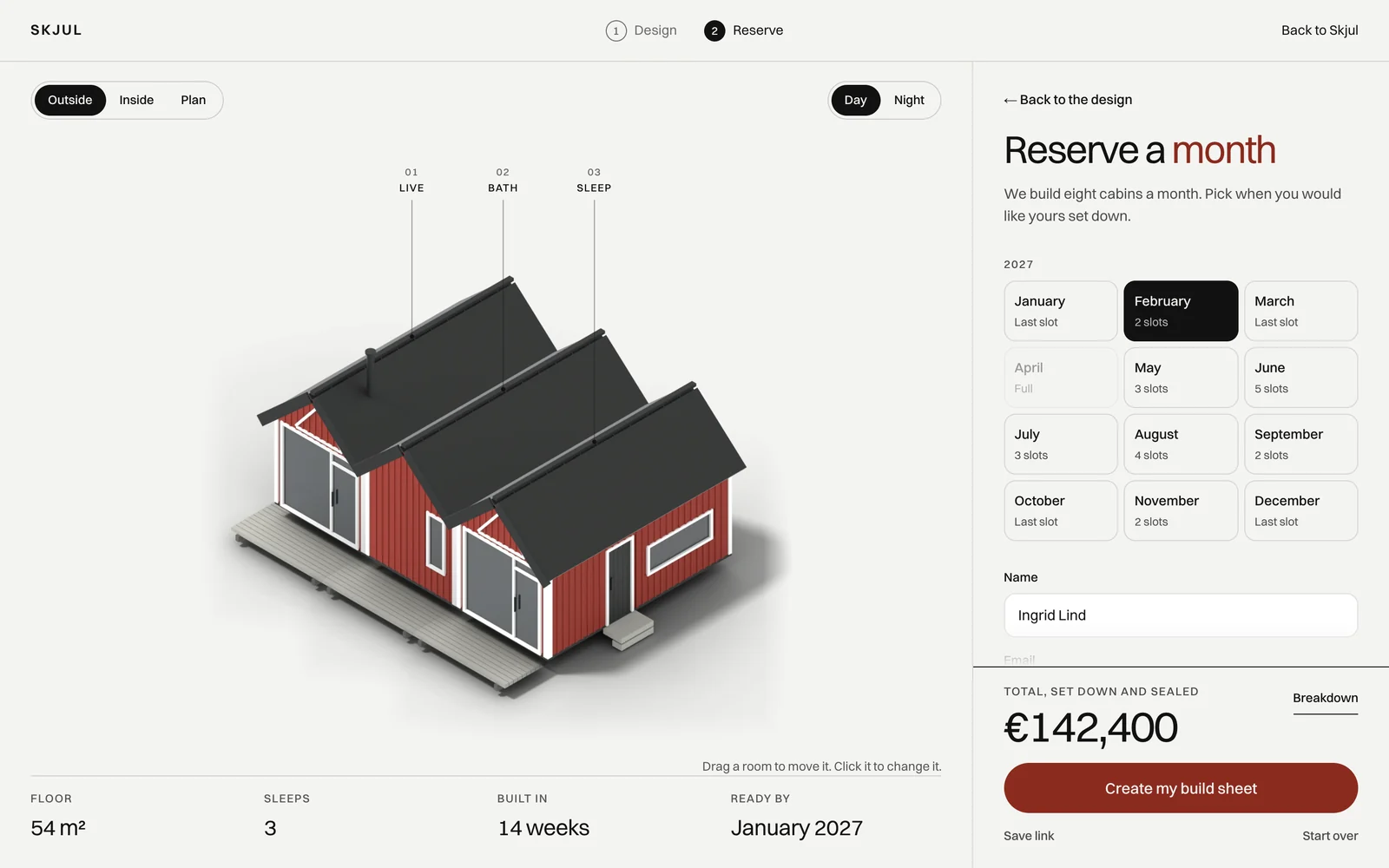
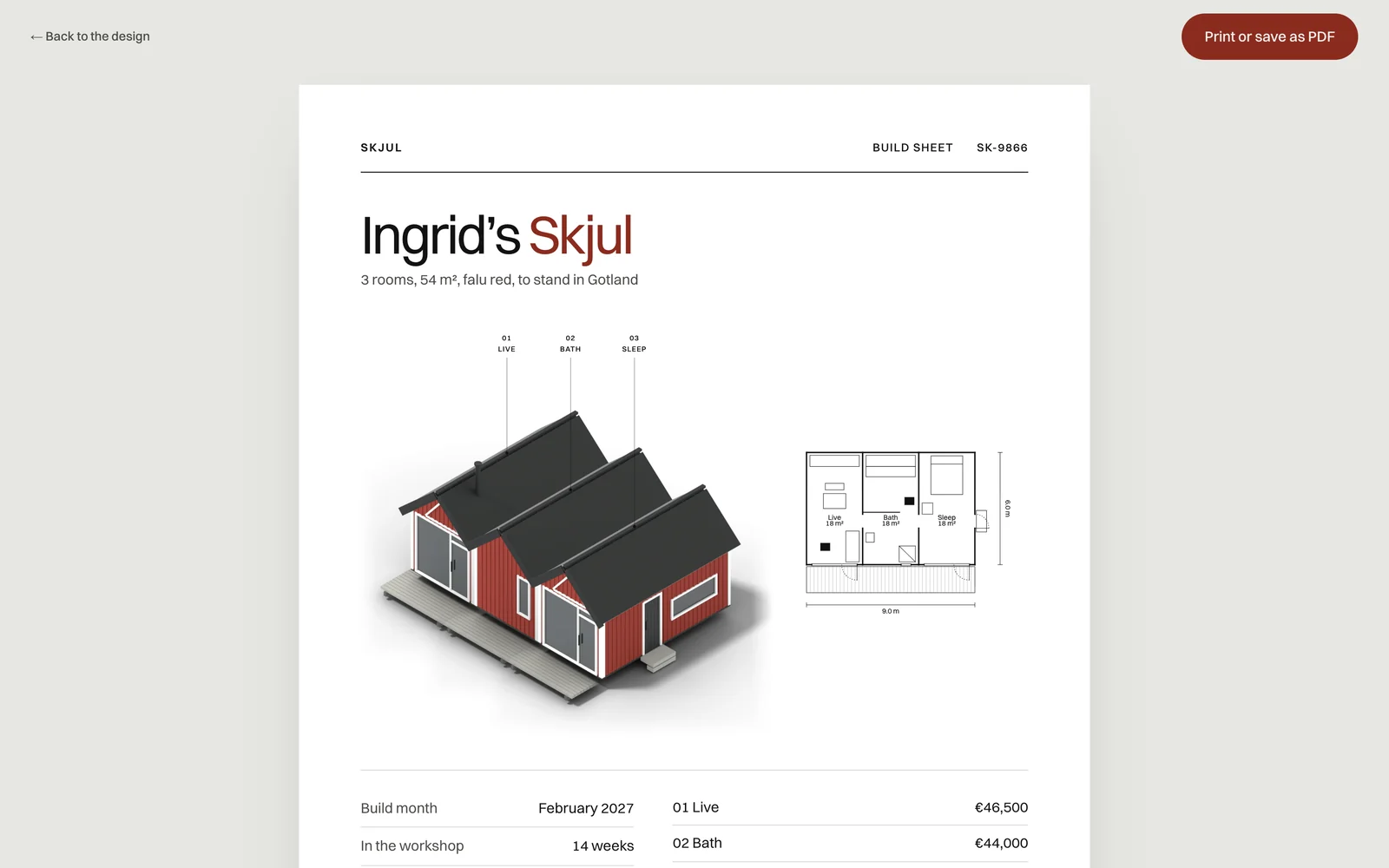
Small ones, so the big one feels easy.
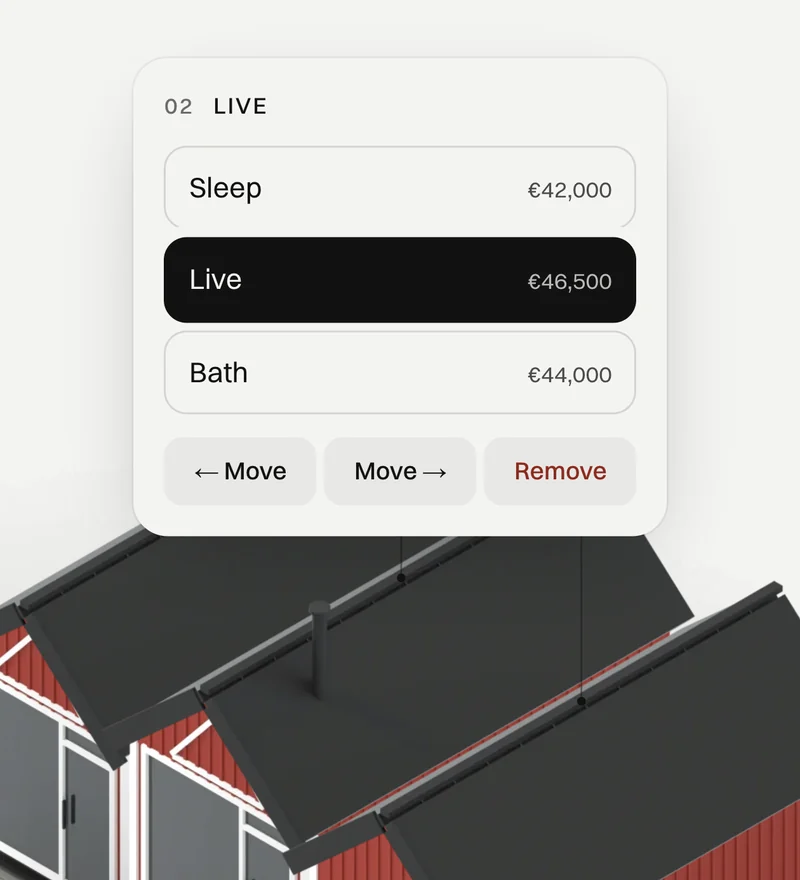
Change it where it stands
A click on a room opens a small panel right beside it, to change its type or move it.
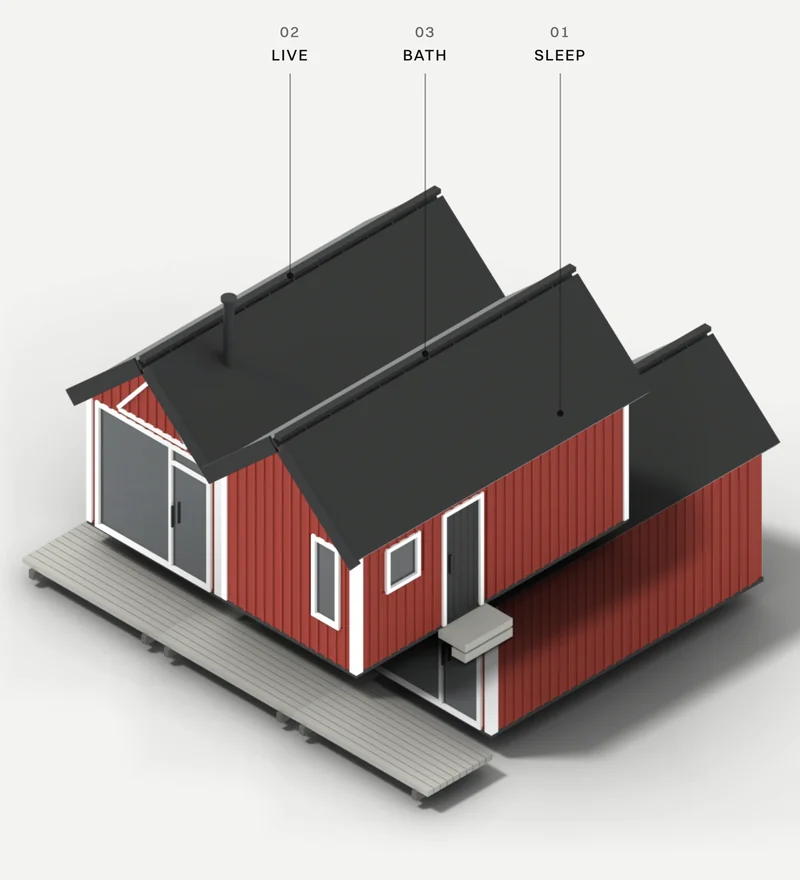
Drag to reorder
The order of the rooms is the shape of the house, so they are moved by hand, on the drawing itself.
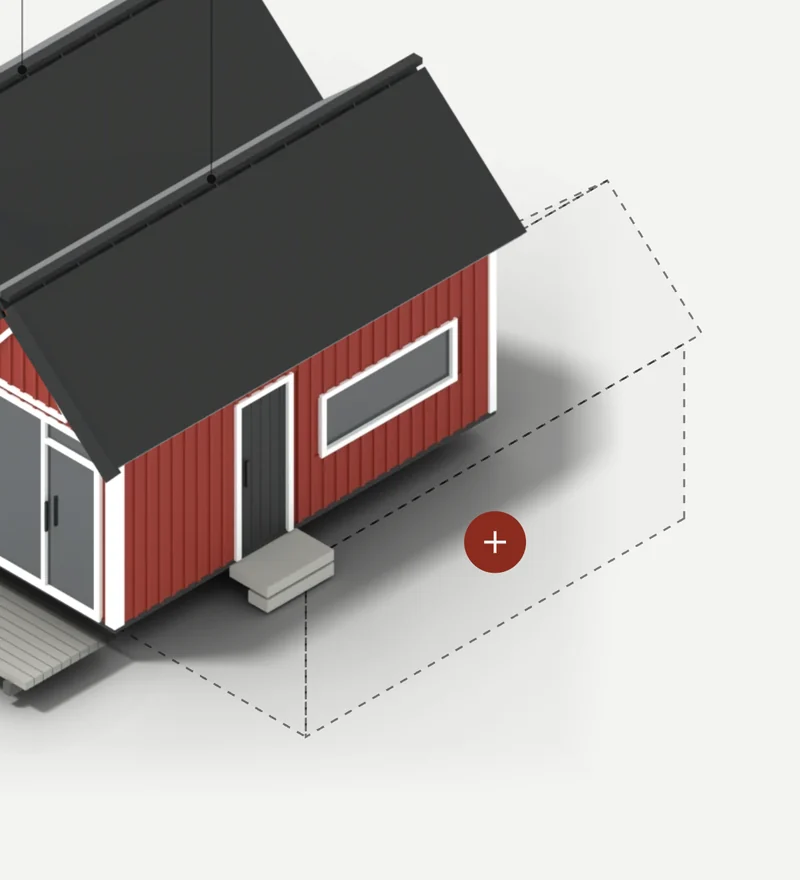
Add where it goes
The next room waits as an outline where it will stand. Adding is also choosing the place.
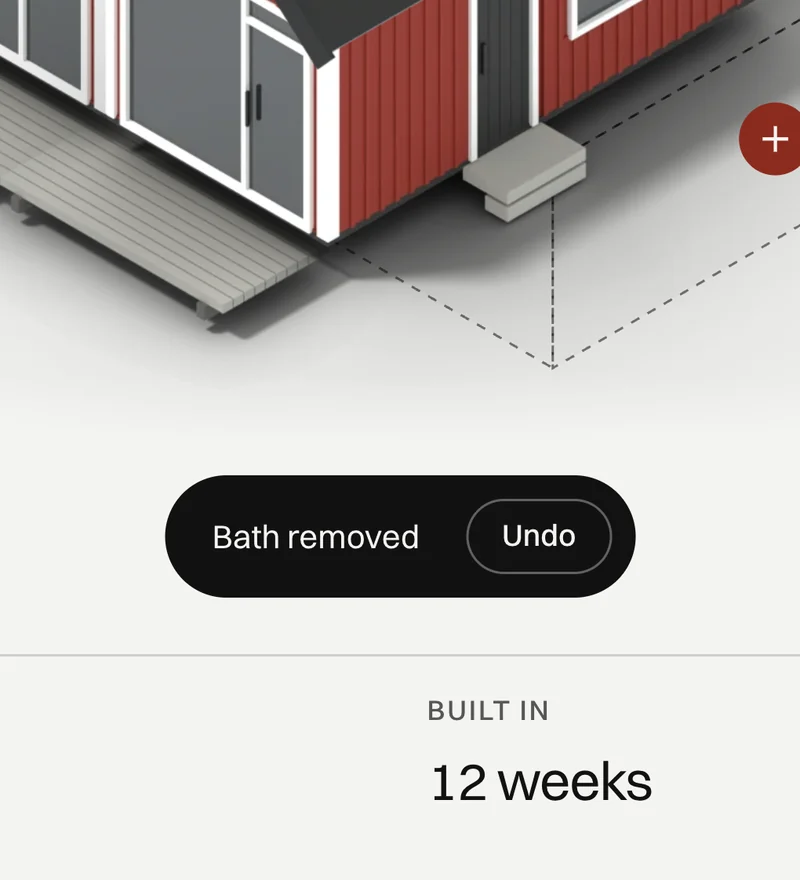
Undo, always
Removing a room is one click, and so is taking it back. Trying things costs nothing.
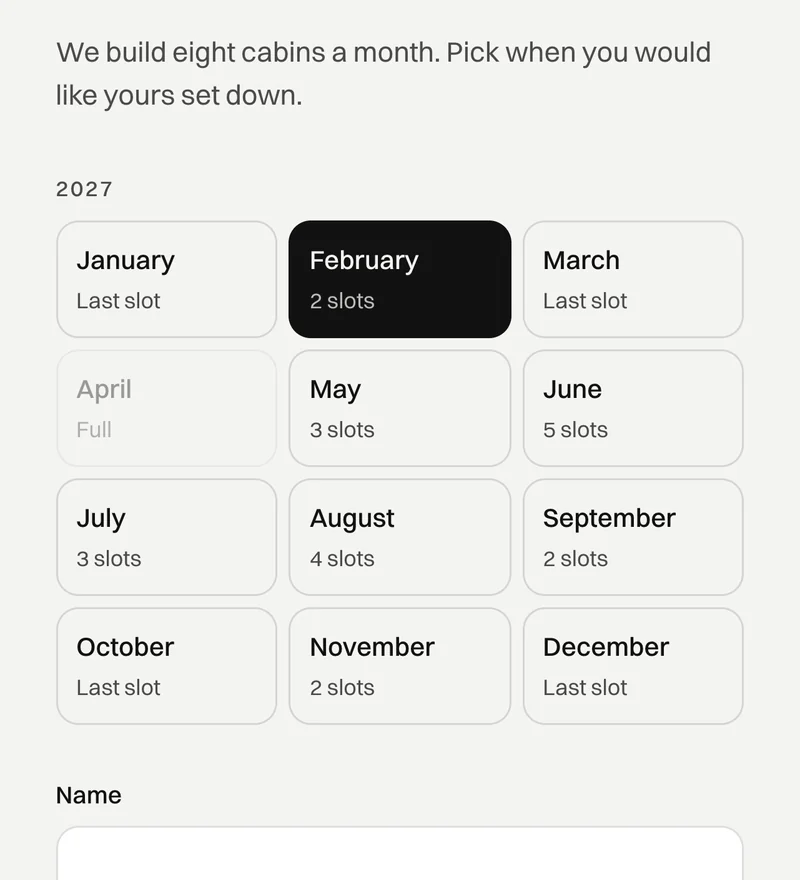
Free slots by month
The workshop builds eight cabins a month. The visitor sees the free slots and picks one.
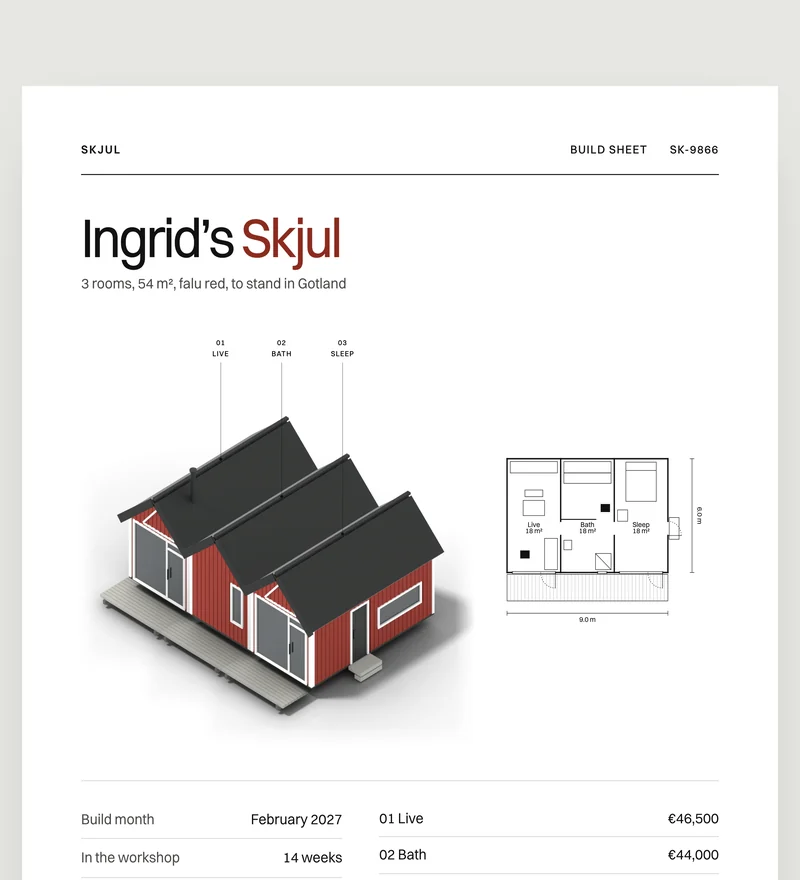
A sheet to keep
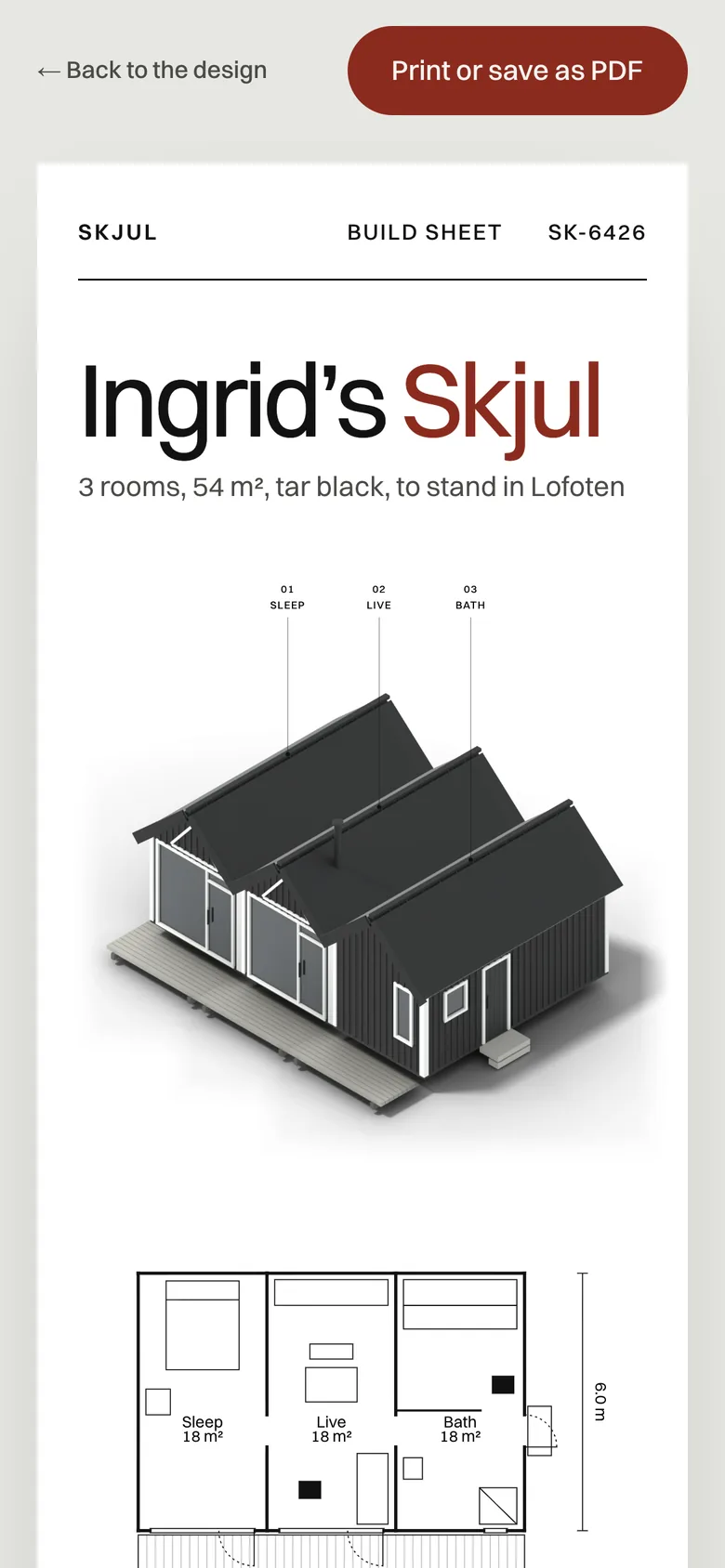
The reservation ends with a build sheet in the visitor’s name, to print or send to someone at home.
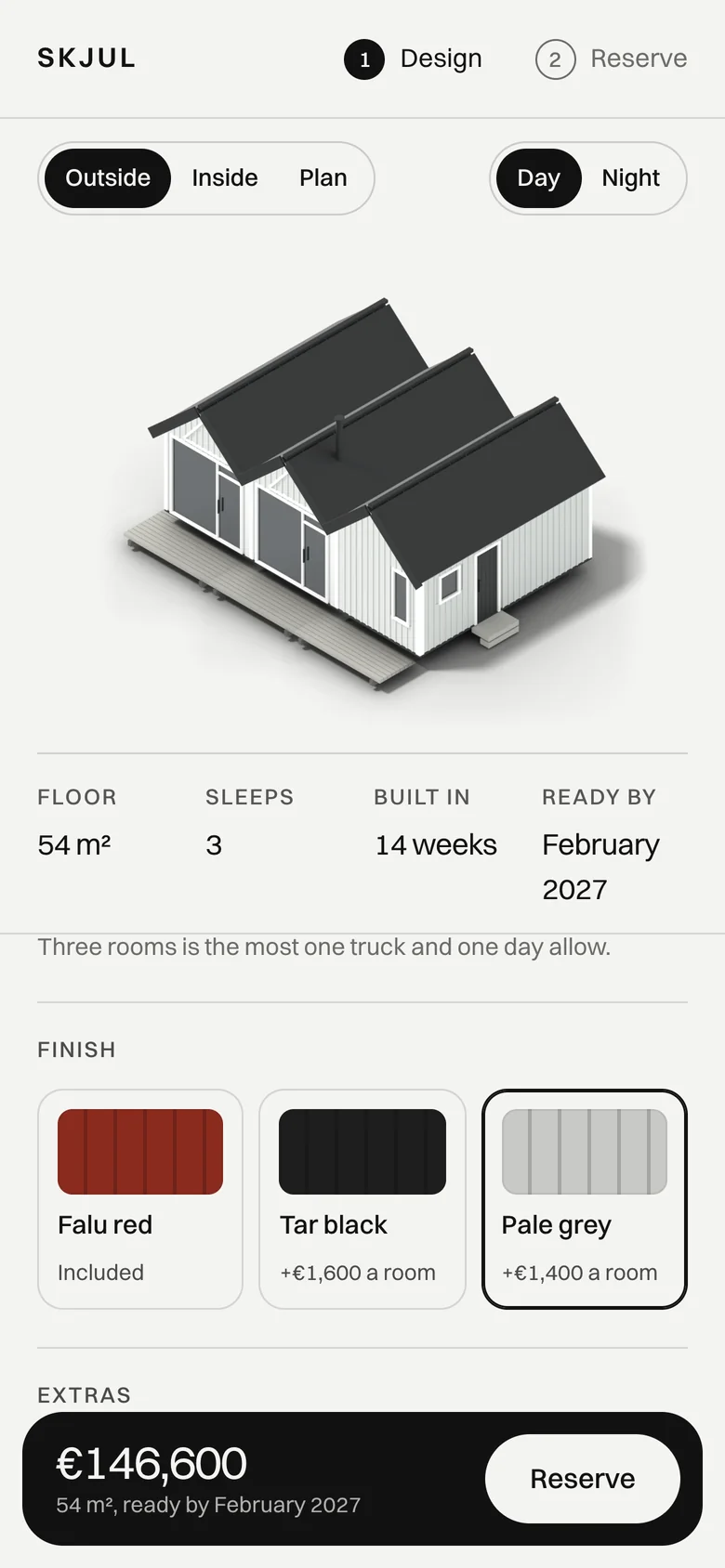
Every choice shows its price at once.
Falu red comes with the house. Tar black and pale grey are priced by the room, and the total at the foot of the screen changes the moment one is tapped.
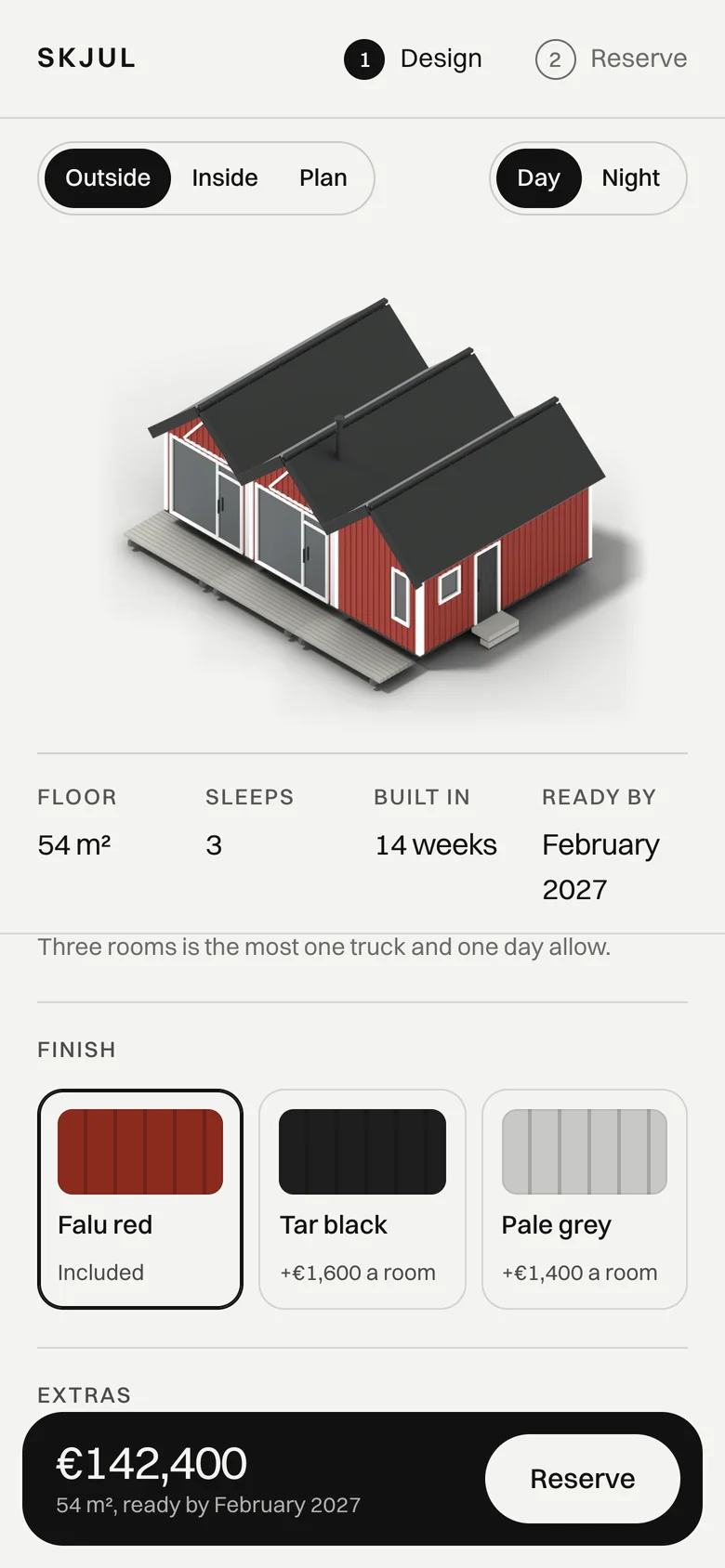
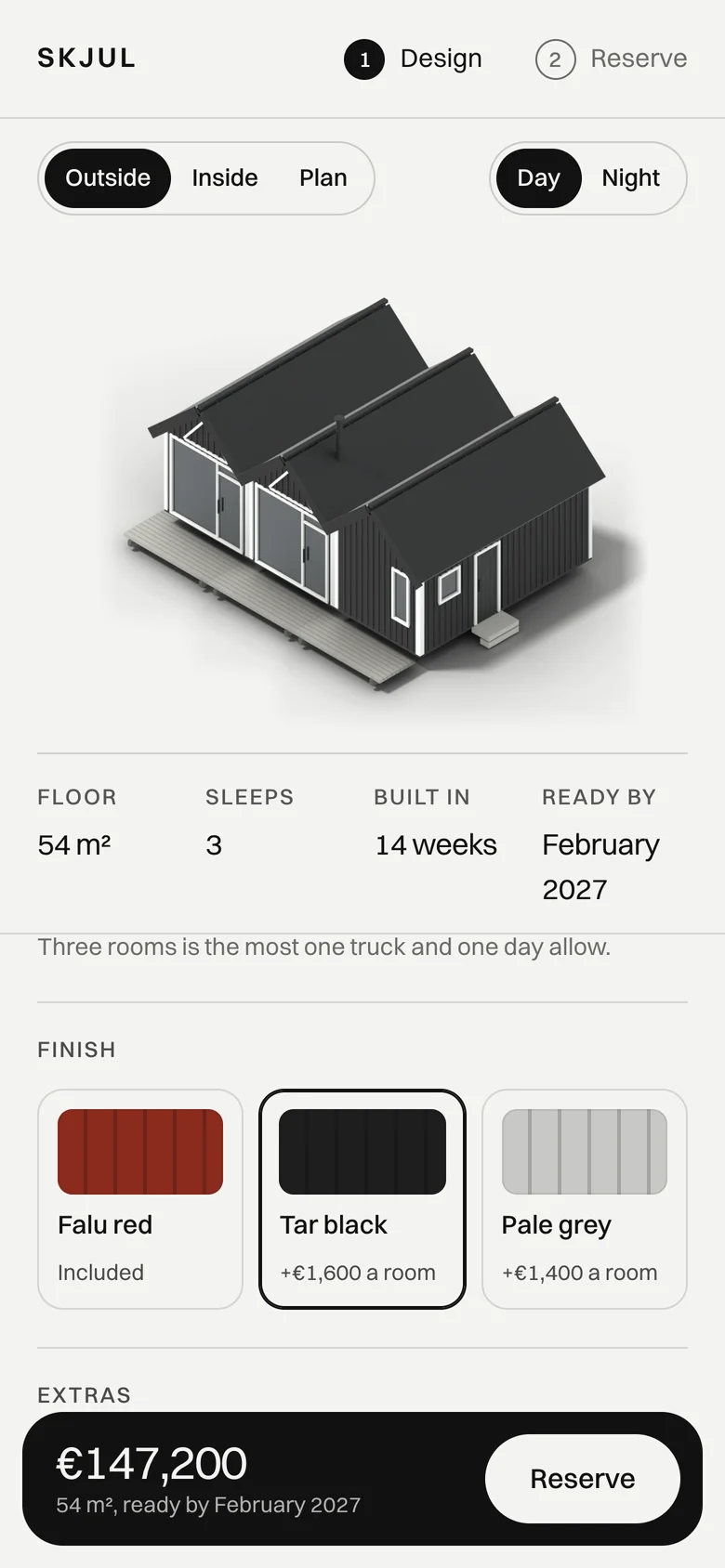
Piles at seven. Three rooms by one. The deck by three.
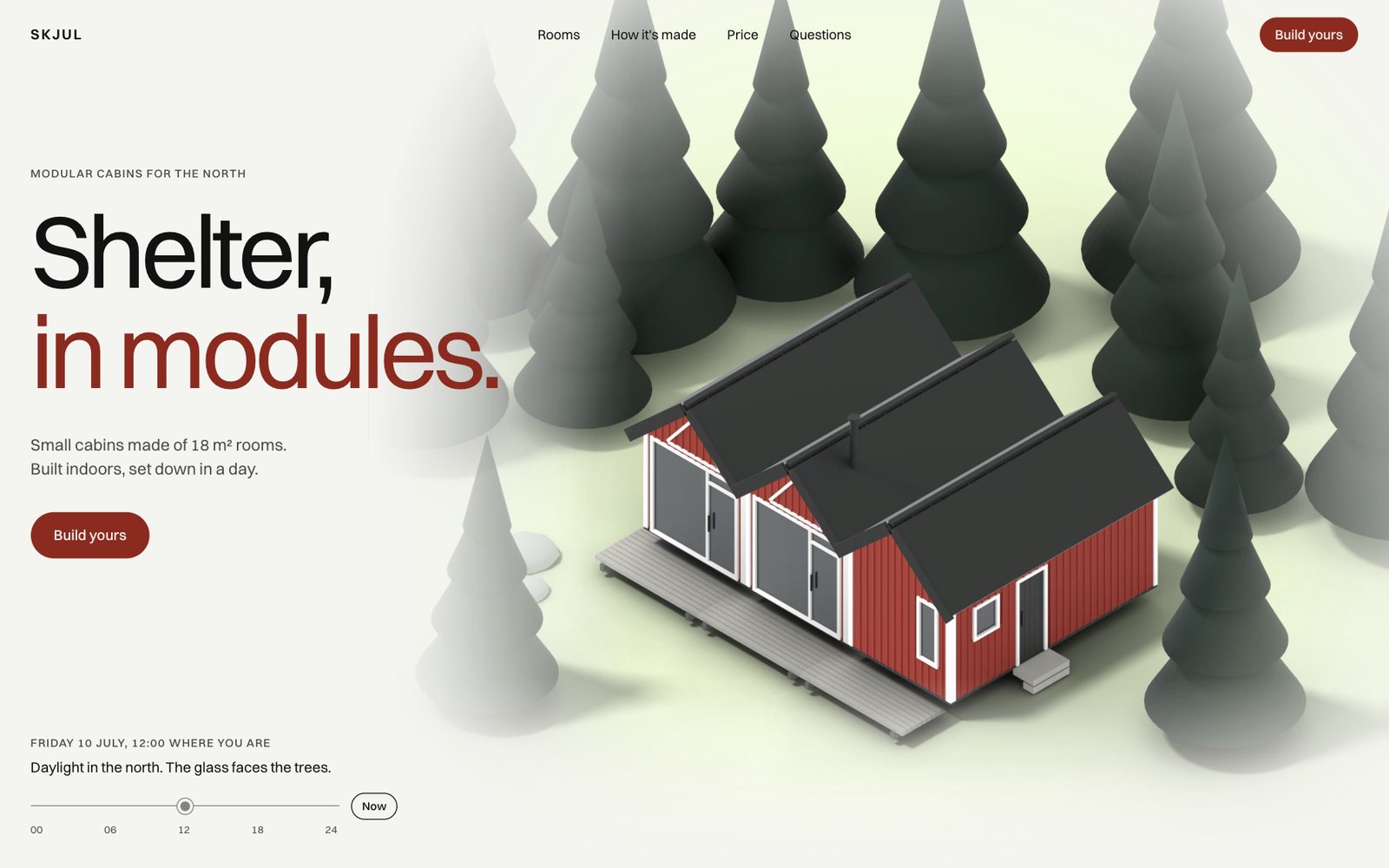
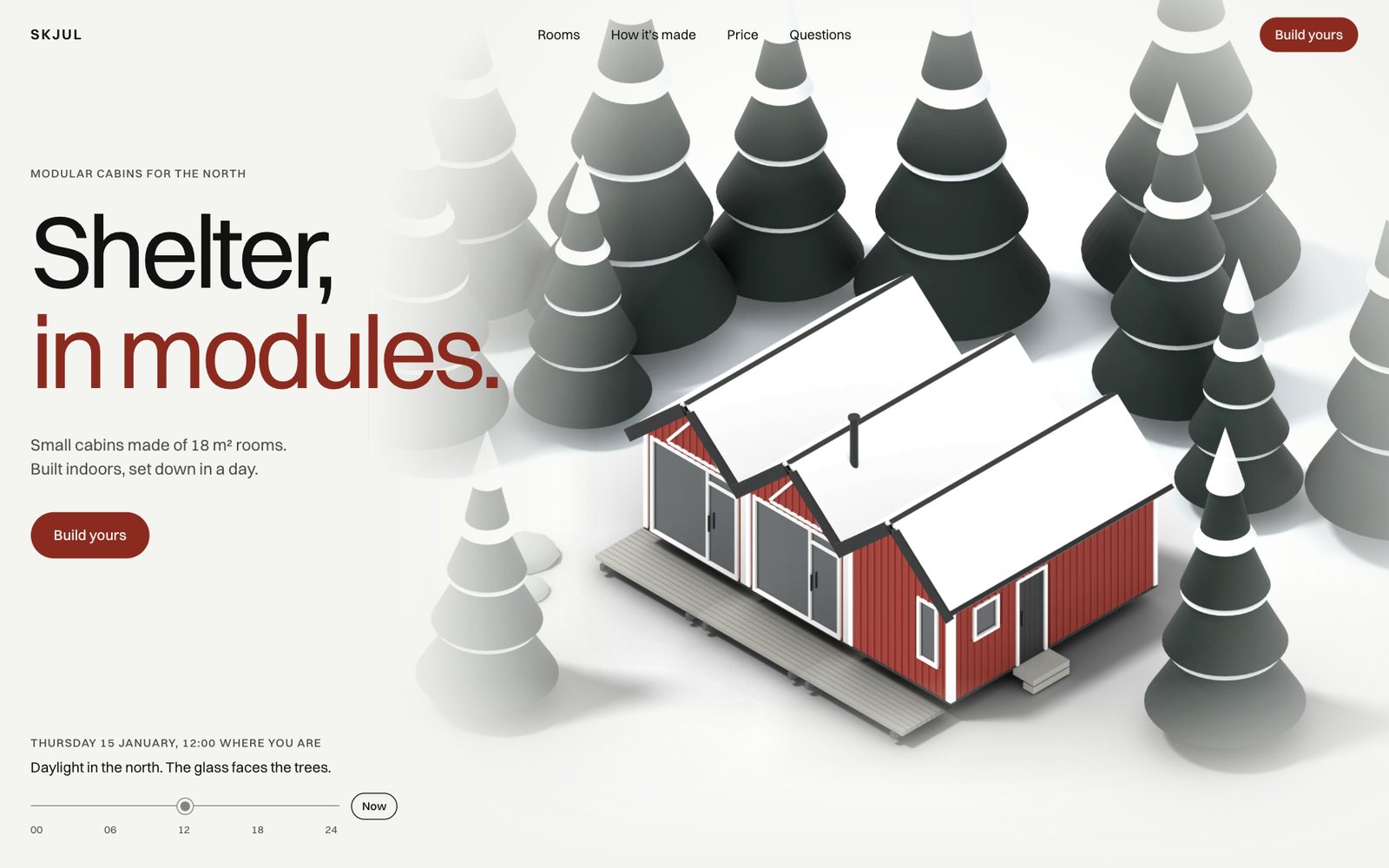
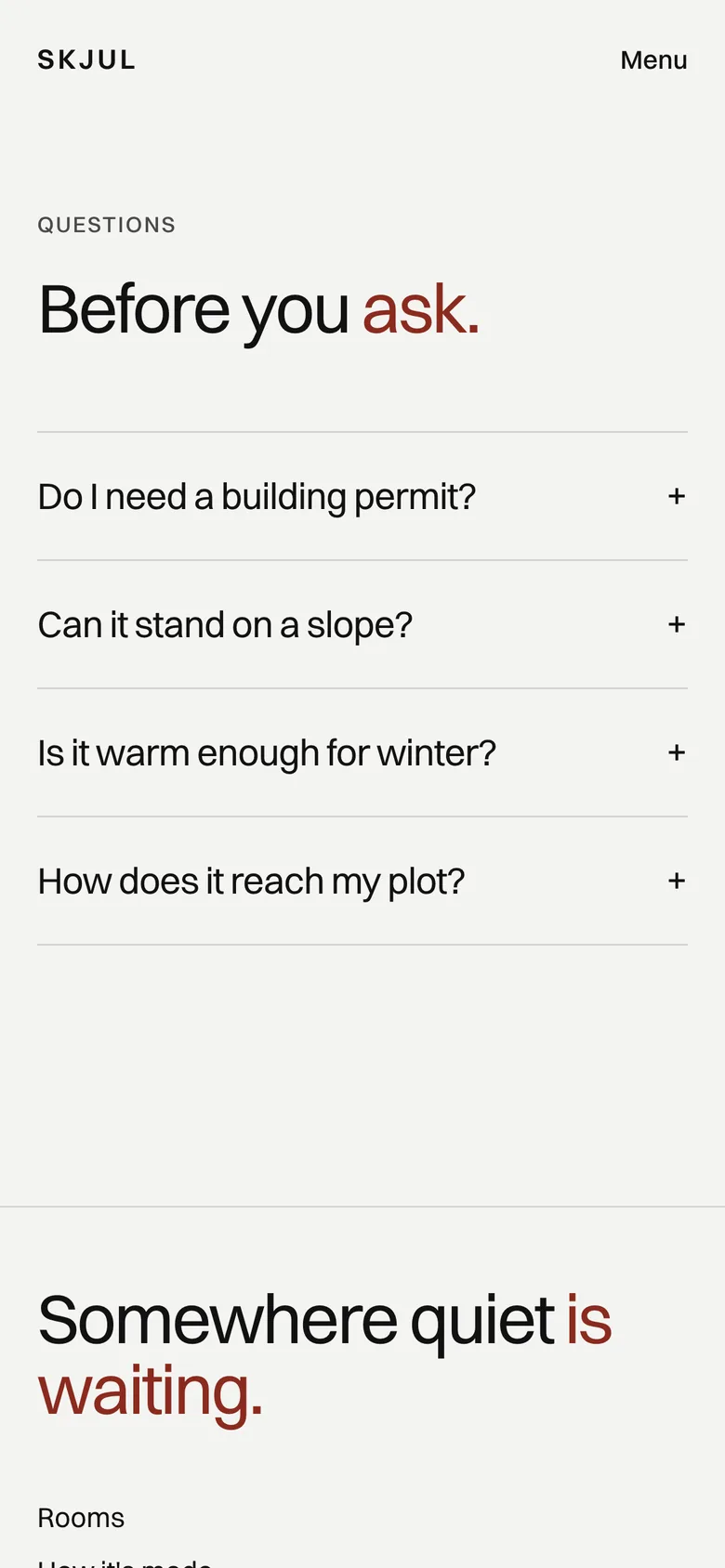
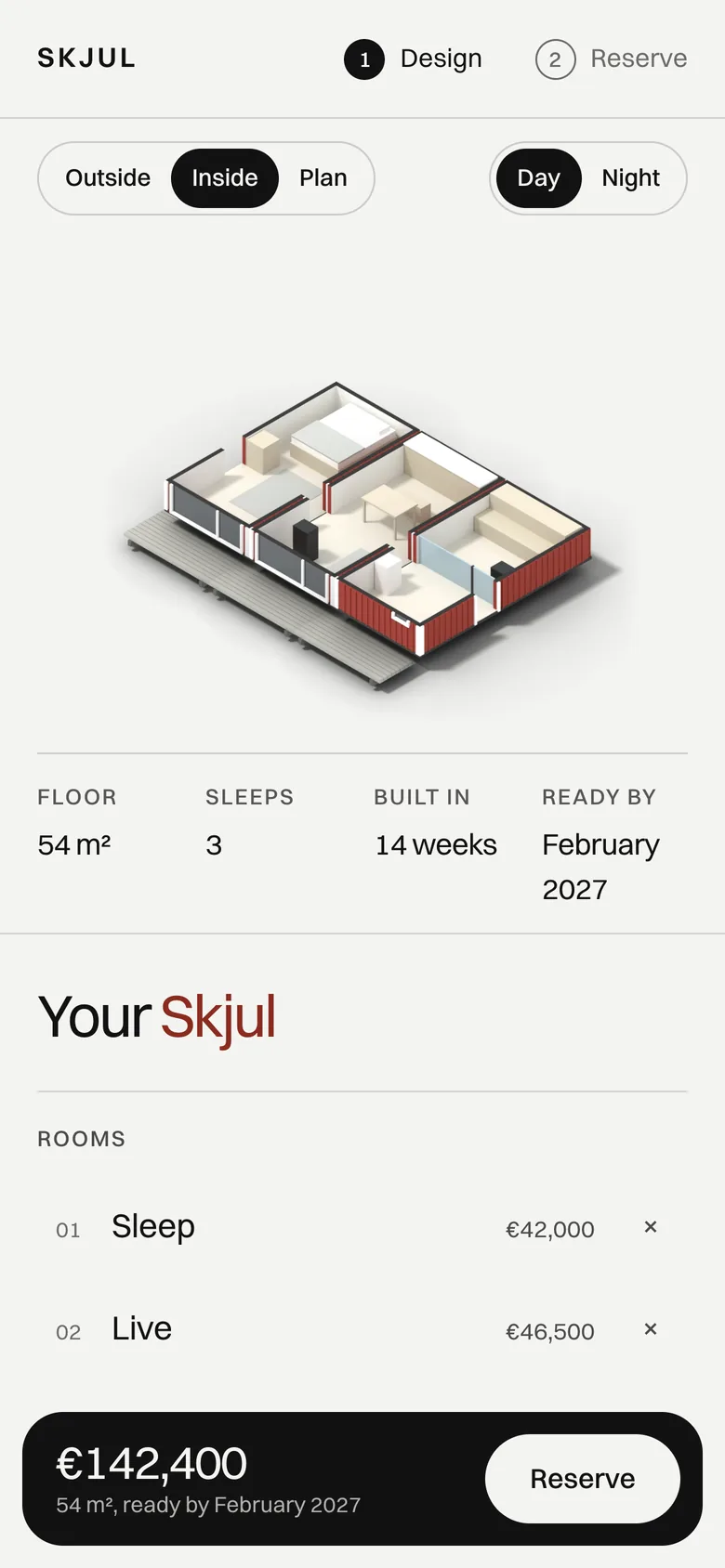
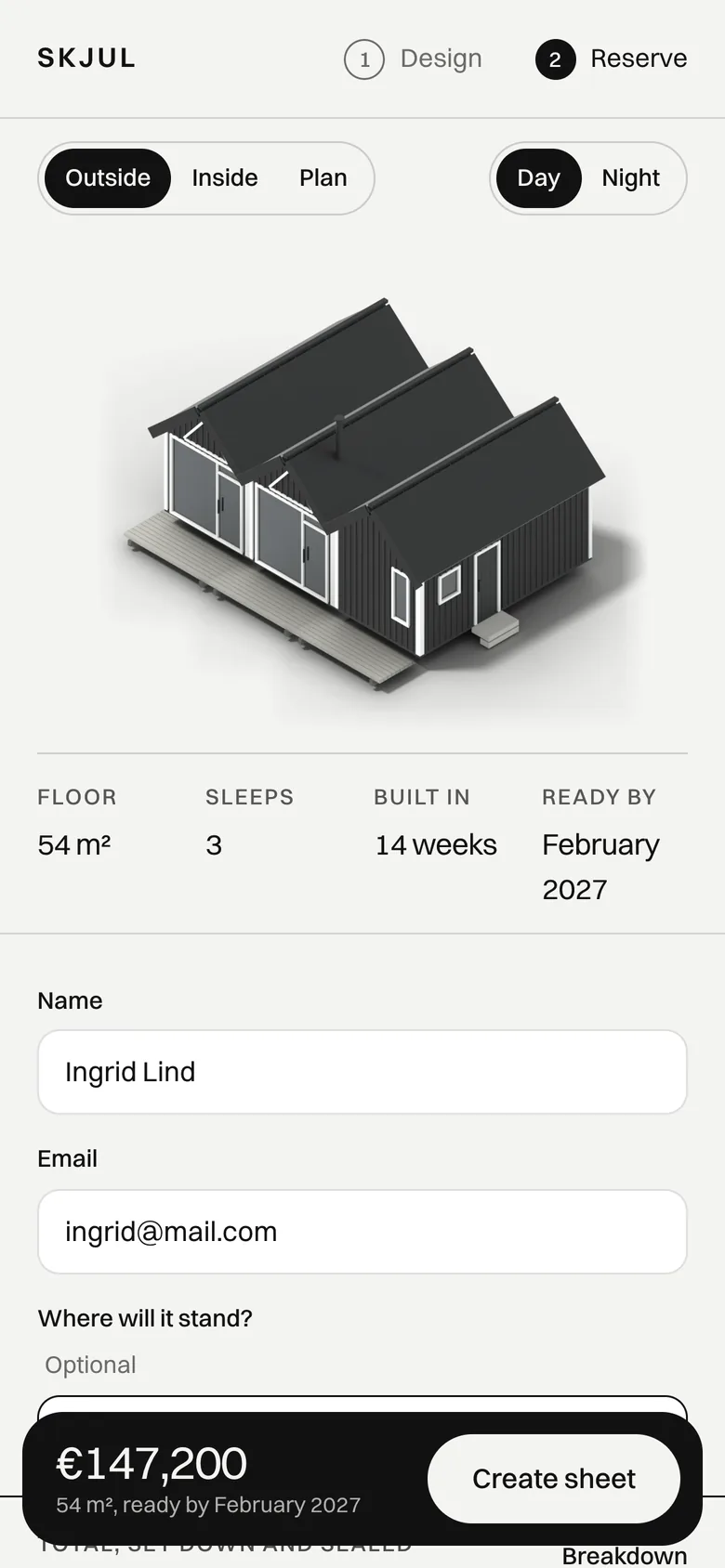
Most people will meet SKJUL on a phone. There the whole site works by thumb, from the first look to the build sheet.
Try it on your phoneRooms and steps become tabs.
On a small screen the rooms and the build steps are tapped through in place, with no long empty scroll.
The house stays in view.
In the configurator the cabin is pinned at the top while the choices scroll beneath it, so every change shows at once.
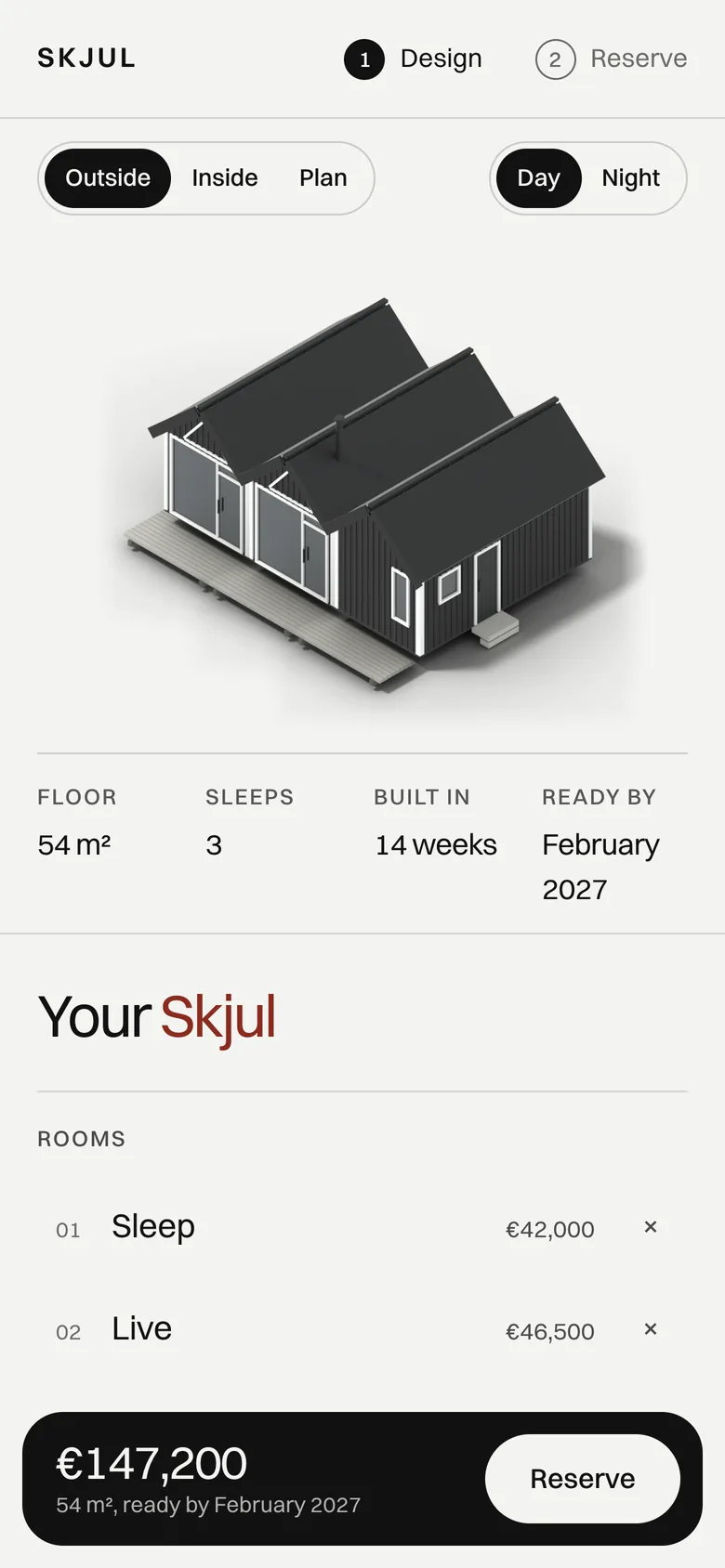
The price rides along.
The total and the month it can be ready stay at the foot of the screen, one tap from reserving.
A sheet in the pocket.
A month with free slots, a name and an email. The build sheet opens on the phone, ready to save.
Light to carry.
The home page weighs about a megabyte with every render, and draws its main picture in a second and a half on a slow phone.
768
Houses the configurator can build
0
Clicks before the first price
4
Screens from choice to reservation
100
Lighthouse on a phone
1MB
Weight of the whole home page
0
Accessibility issues found
Selling something people have to picture before they buy?
I design it, build it and render it, from the first room to the live site.